Property Website Development

A property website should help prospective buyers or renters quickly understand units, locations, amenities, and the next inquiry step. We organize listings and property details into a structure your team can update.
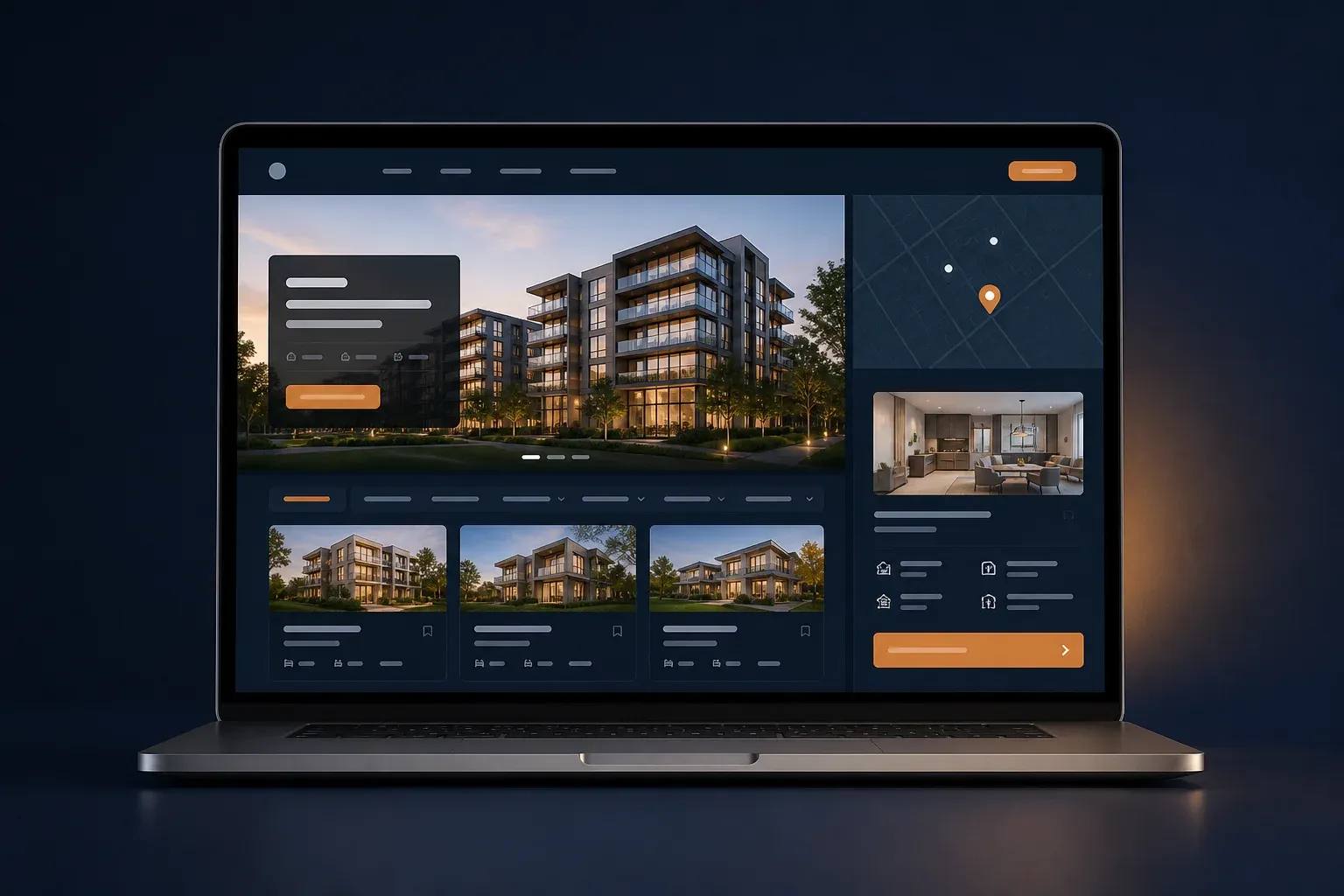
Property website mockup with listings, map location, and unit details

Make Property Listings Easier to Compare

Visitors want to see what is available, compare important details, and contact the agent or sales team with enough context. A website keeps that flow organized.

Group listings by type, location, indicative price, status, or the buyer's needs.

Organize unit details, amenities, maps, galleries, and documents so visitors do not have to search across multiple channels.

Use an inquiry form to ask for the preferred unit, needs, viewing schedule, and contact details.

See the Website Structure

PROPERTY WEBSITE STRUCTURE

What Belongs on a Property Website?

An effective property website helps visitors find a unit, understand its context, and take the next step without being overwhelmed by information.

The final structure follows your property type, listing volume, data sources, marketing area, and sales-team integration needs.

  1. Positioning and Area

    Explain the property type, development area, target buyers or renters, and why the project is worth considering.

  2. Structured Listings

    Show units by type, bedrooms, size, indicative price, status, or other fields your team genuinely maintains.

  3. Location and Amenities

    Help visitors understand access, surroundings, amenities, and location information that matters to their decision.

  4. Gallery and Virtual Tour

    Photos, floor plans, video, or a virtual tour can be presented with clear context and an accountable source.

  5. Documents and Trust

    Legal information, specifications, progress, certifications, or public documents are placed according to permission and reader needs.

  6. Inquiry and Viewings

    The form can ask for a preferred unit, needs, viewing schedule, and the follow-up channel your team uses.

A Property Website That Answers Buyer Questions

We shape pages around the location, unit type, and buyer or renter needs that appear throughout the search journey.

  1. Semrush Keyword Research

    Property website, listing, home, apartment, and area-specific keywords are mapped as estimates to set content priorities.

  2. SERP and Intent Analysis

    The patterns of pages, listings, and questions that appear in search are compared so the website answers needs without copying a portal.

  3. Copywriting for Inquiries

    Unit details, amenities, locations, and CTAs are written so prospective buyers know what information to prepare when contacting the team.

  4. Clear to Google and AI

    Headings, metadata, schema, and internal links are made clear so property information is easier for search engines and AI assistants to process.

Keyword and SERP data are estimates. Page priorities are still validated against your listings, service area, and real data sources.

An Approach for Listings and Structured Content

A property website needs content that is easy to update, strong visuals, and clear CTAs. These projects show CMS and custom-structure patterns that can be adapted.
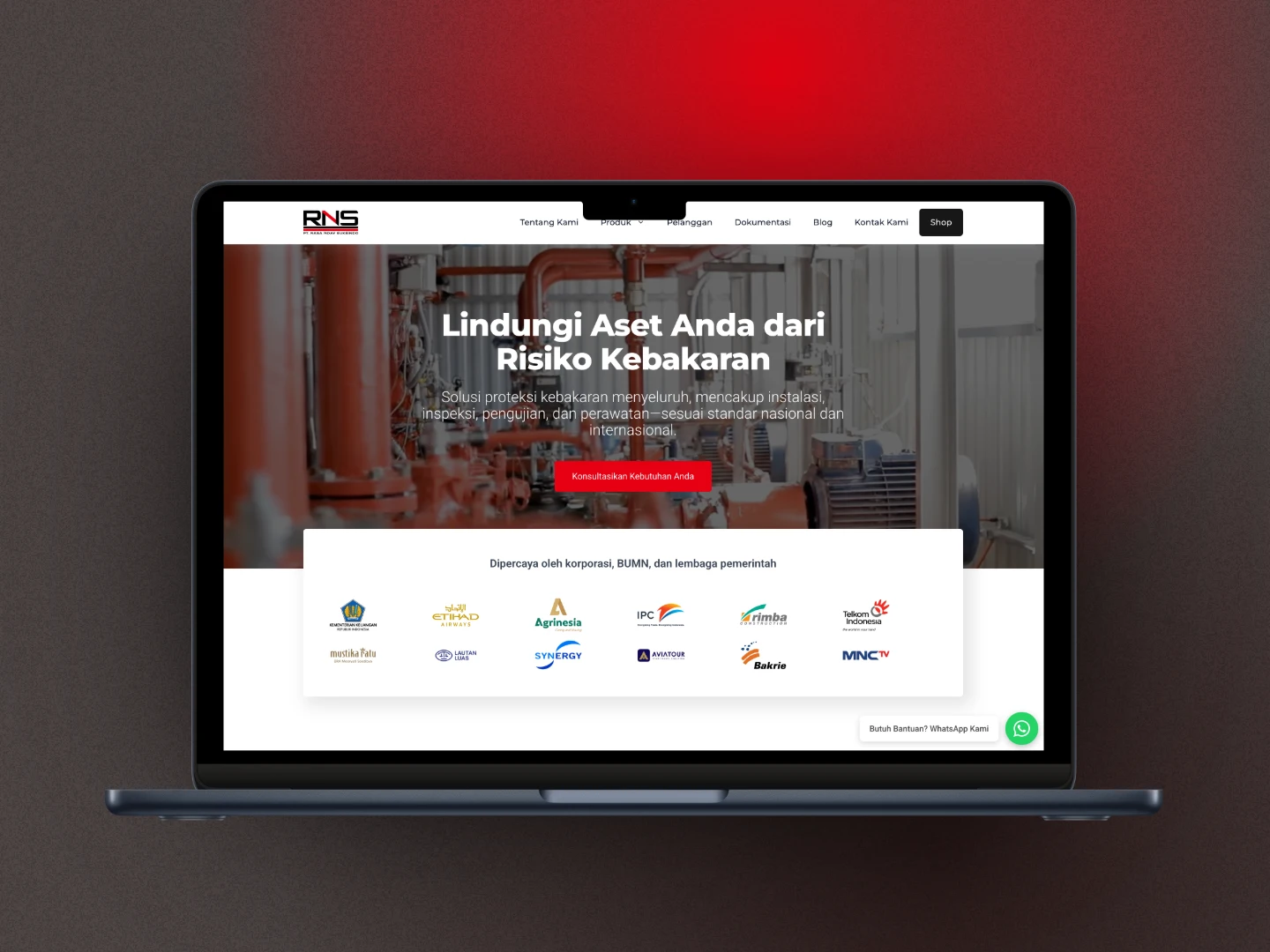
HydrantSystem.co.id after the rebuild

HydrantSystem.co.id: A Business Catalog with Custom Fields

This was not a property project, but its catalog and custom-field approach is relevant when listings need detailed fields without forcing the website into an e-commerce checkout flow.

CPT + SCF
Structured content
No WooCommerce
Catalog built to fit the need
Laptop mockup showing the exportimportdept.com homepage

exportimportdept.com: Content Structure Managed by the Team

This project shows how pages, schedules, articles, and forms can be managed in custom WordPress when business information needs regular updates.

Custom Theme
Consistent design
CMS
More directed updates

Features That Matter for a Property Website

Property Listing CMS

Your team can add or update units with fields that help visitors understand the available options.

  • Type, size, amenities, and status
  • Indicative price when needed
  • Gallery and documents per unit

Filters and Search That Make Sense

Filters can be useful when listing volume and fields are consistent, rather than adding controls that are difficult to maintain.

  • Type and area
  • Price or size range
  • Scope based on real data

Unit Details That Build Confidence

A detail page helps prospective buyers see the unit context, amenities, location, gallery, and inquiry step.

  • Clear information hierarchy
  • Floor plans, photos, or video
  • Viewing or consultation CTA

Maps and Virtual Tours

Maps, video, or virtual-tour embeds can be added from available sources without making visual claims that the project cannot support.

  • Location and access
  • Third-party service embeds
  • Gallery alternative when needed

Inquiry for the Sales Team

The form can send the preferred unit, needs, and viewing schedule so the first conversation is more efficient.

  • Preferred unit or area
  • Buying or rental needs
  • Sales-team email or WhatsApp

Intent-Led SEO Foundation

Listing, unit-detail, and location-page architecture starts from keyword research and the way prospective customers search.

  • Semrush keyword research
  • Metadata and schema for each page
  • Contextual internal links

How We Build a Property Website

We start with the listing data source and the way your team receives inquiries, then shape a structure that can be maintained.

1

Map Listings and Data Sources

We understand property types, unit fields, service areas, price sources, galleries, documents, and how the sales team receives inquiries.

We understand property types, unit fields, service areas, price sources, galleries, documents, and how the sales team receives inquiries.

The result is a page priority, listing-field plan, and clear boundary around the data that can be published.

Unit data
Property areas
2

Research Keywords and Build the Content Map

We use Semrush, compare SERP patterns, and shape listing, location, amenities, FAQ, and CTA pages around search intent.

We use Semrush, compare SERP patterns, and shape listing, location, amenities, FAQ, and CTA pages around search intent.

At this stage, you can distinguish content ready for launch from filters or integrations that need more mature data.

Search data
Content map
3

Development, Testing, and Handover

Once the structure is agreed, we build the listings, test the inquiry flow, and prepare an update workflow for your team.

Once the structure is agreed, we build the listings, test the inquiry flow, and prepare an update workflow for your team.

CRM, portal, or virtual-tour integrations follow when the source of truth and technical access are ready.

Listing CMS
Clean handover

INDUSTRIES

Explore other industries

See website approaches shaped around the services, proof, catalog, and inquiry flow of each business.

Industrial business website mockup as a reference for contractor website development

Contractor Websites

Build credibility before prospective clients request a proposal.

Present construction services, projects, credentials, and B2B inquiry paths in a structure that is easy to assess.

View Contractor Websites
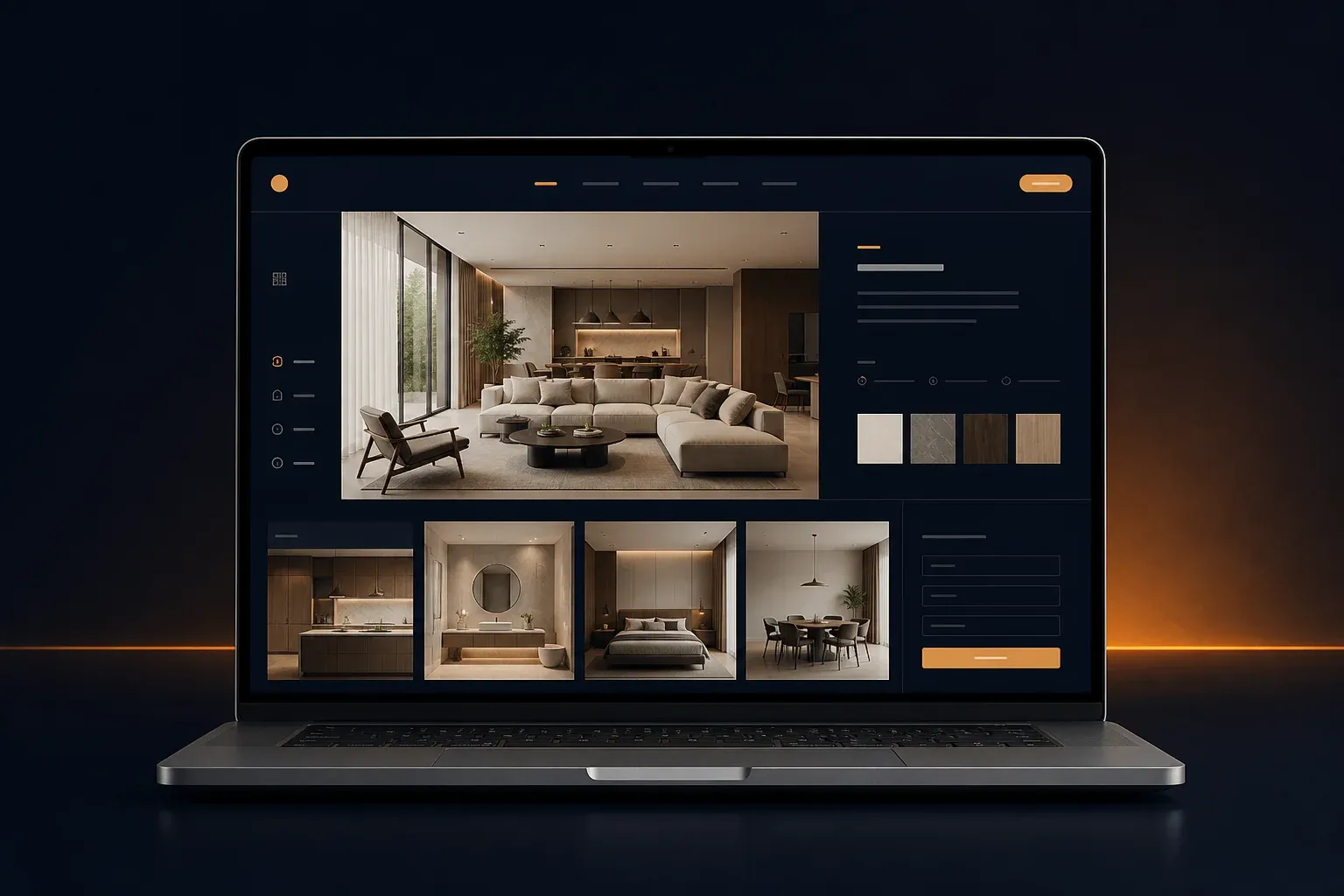
Interior design studio website mockup with portfolio and project materials

Interior Design Studio Websites

Let the portfolio show your studio's quality from the first visit.

Bring your portfolio, services, studio process, and project brief into one clear visual website.

View Interior Design Studio Websites

Frequently Asked Questions About Property Websites

Answers to the questions that usually need to be settled before an agent or property company website is built.

Which pages matter for a property website?

A common structure includes Home, property listings, unit details, location, amenities, developer or agent profile, FAQ, and Contact. The final structure follows your property type, area, and the way your team receives inquiries.

Can our team manage property listings ourselves?

Yes. We can prepare a CMS or blocks for adding units, indicative prices, status, types, sizes, amenities, galleries, and documents without changing code every time something changes.

Can the website include filters and virtual tours?

They can be considered. Filters should follow the number of listings and the consistency of the available fields, while virtual tours usually use an embed or a third-party service. Integration details are scoped separately from the core page structure.

Does property website development include SEO?

On-page SEO foundations are prepared from the start. We use Semrush for keyword estimates, compare SERP patterns, and shape pages around search intent. This is not a ranking guarantee. Ask us about deeper on-page SEO support after launch.

Can the website connect to a CRM or listing portal?

An integration can be considered when the API and synchronization rules are available. If they are not, a listing CMS can still provide a cleaner content source while the integration need is mapped as a separate phase.

How do you scope a property website project?

We review the number of listings, filter needs, gallery depth, CMS, and integrations before confirming the project scope. Start with a consultation to discuss the project.

Still comparing a property website with a general business website? Start from your listing volume and sales workflow, then we can help map a sensible scope.

Build a Property Website Ready for Inquiries

Tell us about your property type, listing volume, marketing area, and sales workflow. We will help shape a clear structure before development begins.