Production-ready setup · One website migration included

WordPress VPS Setup from Blank Server to Production

Get a VPS ready for WordPress with an optimized LEMP stack, automated backups, security hardening, and one included website migration. Most standard projects finish within one business day.
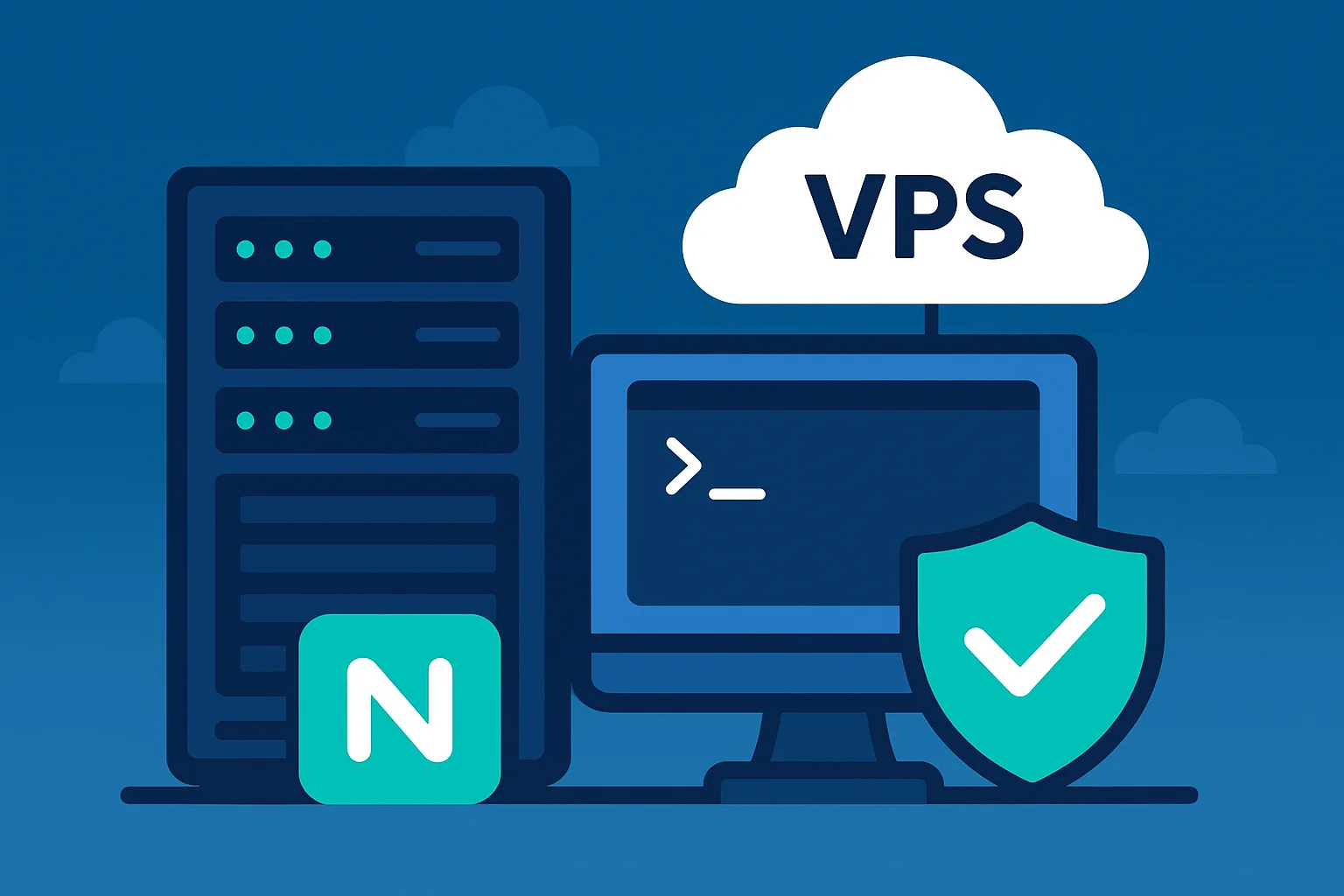
WordPress VPS setup with an optimized LEMP stack

A Production-Ready VPS Without the Configuration Guesswork

Starting from a blank VPS takes time: installing the stack, configuring Nginx, tuning the database, setting up backups, and hardening access. One missed detail can leave a website unstable or exposed. We prepare the environment through a documented process.

LEMP stack optimized for WordPress

Daily, weekly, and monthly backup scripts with Discord notifications

Firewall, fail2ban, SSL auto-renewal, and WordPress security rules

One WordPress website migration without planned downtime

View the VPS Setup Scope

From a Blank VPS to a Production Environment

Five systematic steps for a WordPress VPS that is faster, safer, and easier to hand over.

1

Consultation and VPS Access

We confirm the website needs, provider, server plan, and required root access over SSH.

We confirm the website needs, provider, server plan, and required root access over SSH.

We support common providers such as DigitalOcean, Vultr, Linode, and AWS. You provide the access; we handle the configuration work.

Any VPS provider
Root access
2

LEMP Stack Installation

We install and configure Nginx, MySQL, and PHP with settings appropriate for WordPress.

We install and configure Nginx, MySQL, and PHP with settings appropriate for WordPress.

The setup can include FastCGI cache, MySQL tuning, PHP OPcache, and Redis object caching where the scope requires it.

LEMP stack
Optimized config
3

Security Hardening

We configure firewall rules, fail2ban, SSL, and WordPress-specific security practices.

We configure firewall rules, fail2ban, SSL, and WordPress-specific security practices.

The exact hardening follows the environment, but can include UFW, brute-force protection, Let's Encrypt auto-renewal, SSH hardening, and safer WordPress defaults.

Security hardening
SSL renewal
4

Backup Automation and Alerts

We install scheduled backup scripts and connect completion or failure notifications to Discord.

We install scheduled backup scripts and connect completion or failure notifications to Discord.

The standard retention pattern is daily for 7 days, weekly for 4 weeks, and monthly for 3 months, subject to storage and scope.

Automated schedule
Discord alerts
5

Migration and Handover

We migrate one WordPress website, test the setup, and hand over practical documentation.

We migrate one WordPress website, test the setup, and hand over practical documentation.

The handover covers the configured environment, basic maintenance guidance, and 30 days of WhatsApp support.

Zero planned downtime
Documentation

A WordPress VPS Prepared for Production

Optimized LEMP Stack

A lean and efficient server stack for WordPress, configured around the website's actual requirements.

  • Nginx with FastCGI cache
  • MySQL 8 tuning
  • PHP with OPcache enabled
  • Redis object cache where appropriate

Automated Backup System

A backup workflow with retention rules and Discord notifications for clearer operational visibility.

  • Daily backups for 7 days
  • Weekly backups for 4 weeks
  • Monthly backups for 3 months
  • Discord notification for backup status

Security and Performance Baseline

Hardening and server tuning for a WordPress production environment.

  • UFW firewall configuration
  • Fail2ban brute-force protection
  • Let's Encrypt SSL auto-renewal
  • WordPress-specific security rules

WordPress VPS Setup FAQ

Answers to common questions about preparing and handing over a WordPress VPS.

What is WordPress VPS setup?

It is a server configuration service that prepares a VPS to run WordPress: LEMP stack, security hardening, automated backups, and one included WordPress website migration.

How is VPS setup different from a hosting migration?

Hosting migration moves a website to an environment that is already prepared. VPS setup builds the server environment from the beginning. If the VPS is ready and you only need the website moved, see Website & Hosting Migration.

How is VPS setup different from Managed WordPress Hosting?

VPS setup is for businesses that own their VPS and want more control over the infrastructure. Managed WordPress Hosting is a monthly service with ongoing support. See Managed WordPress Hosting if you want a managed package.

What is a LEMP stack?

LEMP combines Linux, Nginx, MySQL or MariaDB, and PHP. It can provide a strong WordPress environment when configured and maintained properly.

How long does VPS setup take?

Most standard setups are completed within one business day, usually 4-8 hours. The exact timeline depends on the starting server condition and any additional requirements.

Do I need to have my own VPS?

Yes. You can choose a provider such as DigitalOcean, Vultr, Linode, or AWS. We need root access over SSH to perform the setup. See our hosting comparison if you are still choosing an environment.

Is website migration included?

Yes. One WordPress website migration without planned downtime is included. Additional websites can be scoped separately.

Is support included after handover?

The setup includes 30 days of WhatsApp support and handover documentation. After that, you can continue with Website Maintenance or manage the server yourself.

How do you scope a VPS setup?

We review the server environment, website needs, staging, CDN, mail-server requirements, and security priorities before confirming the setup scope.

Not sure whether you need VPS setup, hosting migration, or managed hosting? Tell us about the current setup and we will help map the next step.

Need a VPS That Is Ready for WordPress?

Start with a blank server and finish with an optimized stack, automated backups, security hardening, and a documented handover.