Contractor Website Development

A contractor website is a central place to explain construction services, project experience, certifications, service areas, and how prospective clients can send an inquiry. We shape it around your business needs instead of a generic template.

Industrial business website mockup as a reference for contractor website development

Show Contractor Capabilities Without Making Prospective Clients Guess

Contractors often have strong experience and capabilities, but the information is scattered across proposals, chats, or internal documents. A website turns it into one clear reference point.

Services, specializations, and service areas are organized clearly for new visitors.

Project portfolios can explain context, scope, and the outcome of the work.

An inquiry form helps prospective clients send more complete initial information.

See the HydrantSystem Case Study

CONTRACTOR WEBSITE STRUCTURE

What Belongs on a Contractor Website?

An effective contractor website is more than a company profile. Each section helps prospective clients understand your capabilities and decide what to do next.

The final structure follows your contractor type, target projects, service areas, and the way your team manages inquiries.

  1. Homepage and Positioning

    Explain who you are, the types of projects you handle, and why a prospective client should keep reading.

  2. Services and Specializations

    Organize construction or technical services into pages that are easy to scan and share.

  3. Project Portfolio

    Show project context, scope, location, documentation, and results that are approved for publication.

  4. Certifications and Capabilities

    Place certifications, standards, experience, and company capacity where they provide useful supporting evidence.

  5. Service Areas and Contact

    Help prospective clients understand your coverage, address, communication channels, and how to request a proposal.

  6. Inquiry and Follow-up

    Use a form or WhatsApp flow to collect initial context so the project conversation starts more efficiently.

A Contractor Website Built Around Market Needs

We start with how prospective clients search for contractors, suppliers, and construction services. Semrush research, SERP analysis, and intent-led copywriting guide the page structure before design begins.

  1. Semrush Keyword Research

    We map relevant service, project-type, and service-area keywords before deciding which pages the website needs.

  2. Competitor SERP Analysis

    We compare pages already appearing in Google to identify useful topics, proof points, and unanswered questions.

  3. Copywriting for B2B Inquiries

    Service, capability, and project narratives are written so prospective clients can understand your fit and next step quickly.

  4. Clear to Google and AI

    Headings, metadata, schema, and content structure are prepared so company information is easier for search engines and AI assistants to understand.

Keyword research and SERP analysis take place during planning, before design and implementation begin.

Relevant Case Studies

These two projects show how we rebuilt website structures and improved WordPress performance for industrial businesses.

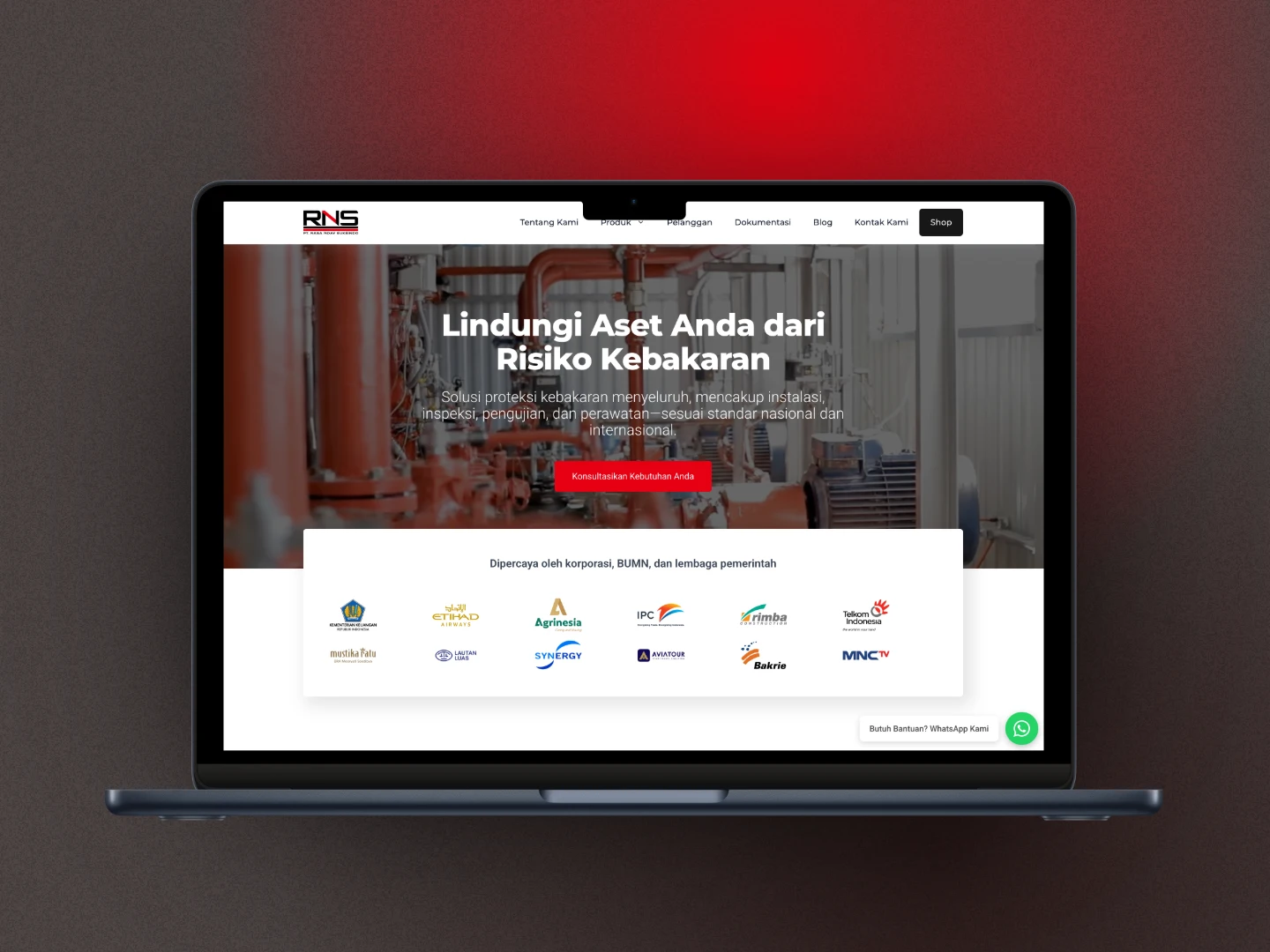
HydrantSystem.co.id after the rebuild

HydrantSystem.co.id: Rebuilding a Fire Protection Business Website

The old website could not be restored because there was no backup. We rebuilt it with WordPress, GeneratePress, GenerateBlocks, and a custom-field-based catalog structure suited to the business.

CPT + SCF
Structured catalog
100 / 98 / 100 / 92
Desktop PageSpeed
No WooCommerce
Transactions via WhatsApp
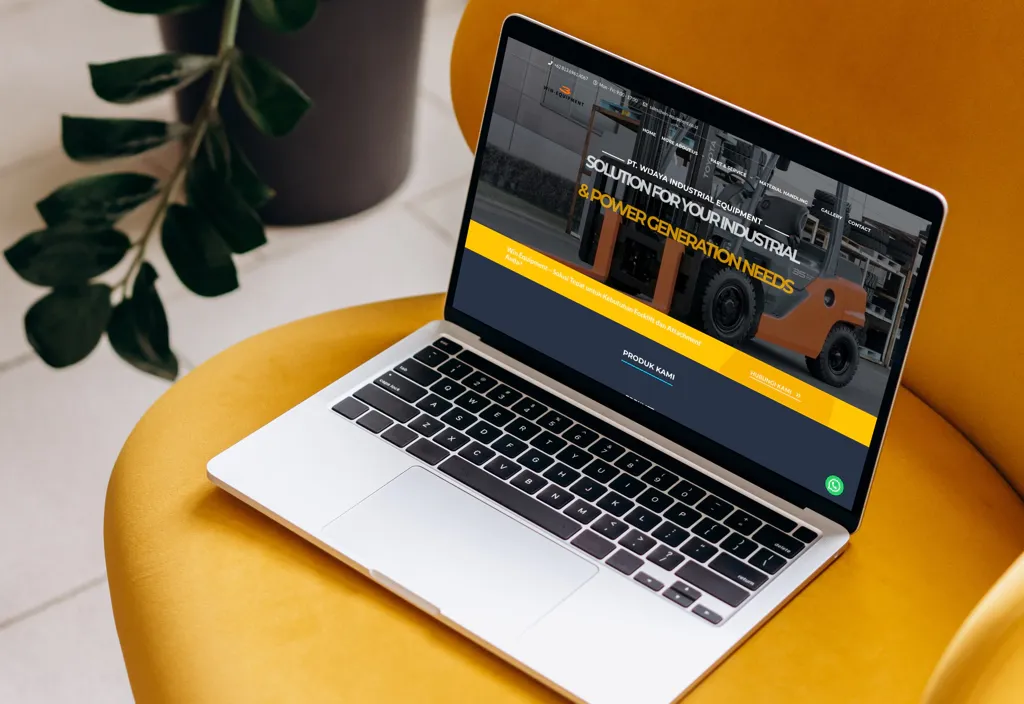
WIN Equipment website after structural and performance improvements

WIN Equipment: A Website Speed Transformation

An industrial WordPress website that started out slow was rebuilt with GeneratePress and Blocks, then optimized through plugin reduction, hosting migration, and server improvements.

27 → 92
Mobile score
36 → 99
Desktop score
43 → 19
Plugin count

Features That Matter for a Contractor Website

Structured Project Portfolio

Show projects by work type, location, or the category that helps prospective clients assess your experience most quickly.

  • Scope and service summary per project
  • Clean documentation galleries
  • Project categories that are easy to scan
Specific Service Pages

Each service can have its own page so visitors understand the process, scope, and fit for their needs.

  • Content structure for each service type
  • Technical information that is easier to understand
  • Inquiry CTAs placed at relevant points

More Useful Inquiry Forms

Prospective clients can be prompted to send initial context that helps your team assess the need before the conversation begins.

  • Initial questions matched to the project type
  • Clearer contact and work-area details
  • Routing to WhatsApp or email

Credentials and Capabilities

Certifications, experience, standards, and service areas can be shown without making the page feel like a tender document.

  • Company information that is easier to find
  • Supporting proof placed in context
  • A page structure that remains comfortable on mobile

Intent-Led SEO Foundation

The website structure is prepared to answer searches relevant to your services, projects, and service areas.

  • Keyword research and SERP analysis before design
  • Metadata and headings for each page
  • Content that is ready to expand

CMS That Fits the Team Workflow

For WordPress, a custom theme and blocks plugin can be adjusted so service or project updates do not require a developer every time.

  • Content fields matched to operational needs
  • An editor that works for non-technical teams
  • Clear handover and documentation

How We Build a Contractor Website

We start with the information prospective clients need to trust you, then turn it into a website structure your team can use and develop over time.

1

Map Services and Target Projects

We understand your work types, target clients, service areas, experience proof, and how inquiries usually arrive.

We understand your work types, target clients, service areas, experience proof, and how inquiries usually arrive.

The result is a clear page and content priority before visual design begins.

Target projects
Service areas
2

Research Keywords and Content Structure

We use Semrush, compare SERP patterns, and shape service, portfolio, and CTA pages around search intent.

We use Semrush, compare SERP patterns, and shape service, portfolio, and CTA pages around search intent.

At this stage, you have a clearer view of what needs to be ready at launch and what can be developed later.

Search data
Page structure
3

Design, Development, and Handover

Once the structure is agreed, we build the website, test the inquiry flow, and prepare a management workflow for your team.

Once the structure is agreed, we build the website, test the inquiry flow, and prepare a management workflow for your team.

The website launches with technical and content foundations ready for presentations, marketing, and future development.

Relevant design
Clean handover

INDUSTRIES

Explore other industries

See website approaches shaped around the services, proof, catalog, and inquiry flow of each business.

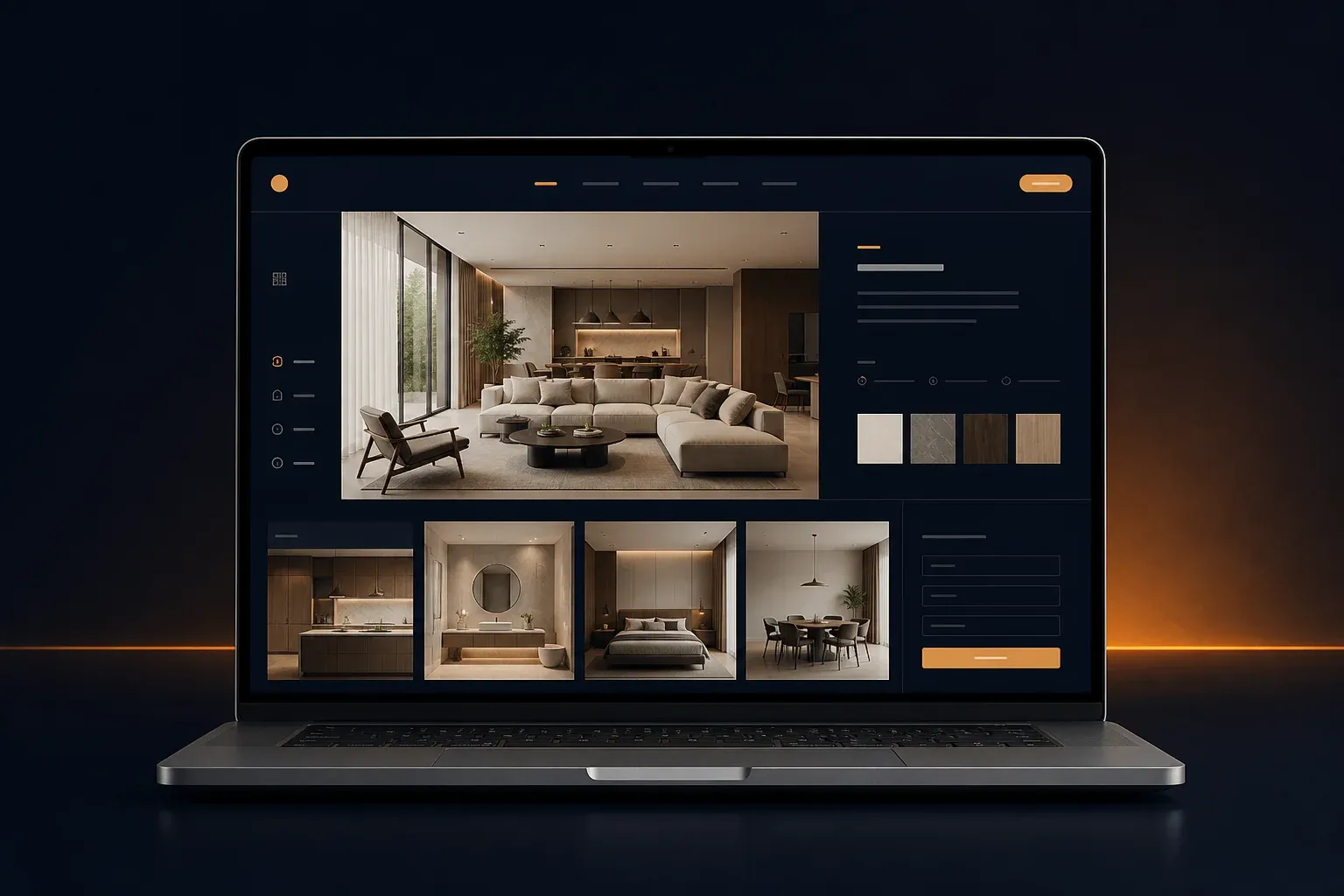
Interior design studio website mockup with portfolio and project materials

Interior Design Studio Websites

Let the portfolio show your studio's quality from the first visit.

Bring your portfolio, services, studio process, and project brief into one clear visual website.

View Interior Design Studio Websites
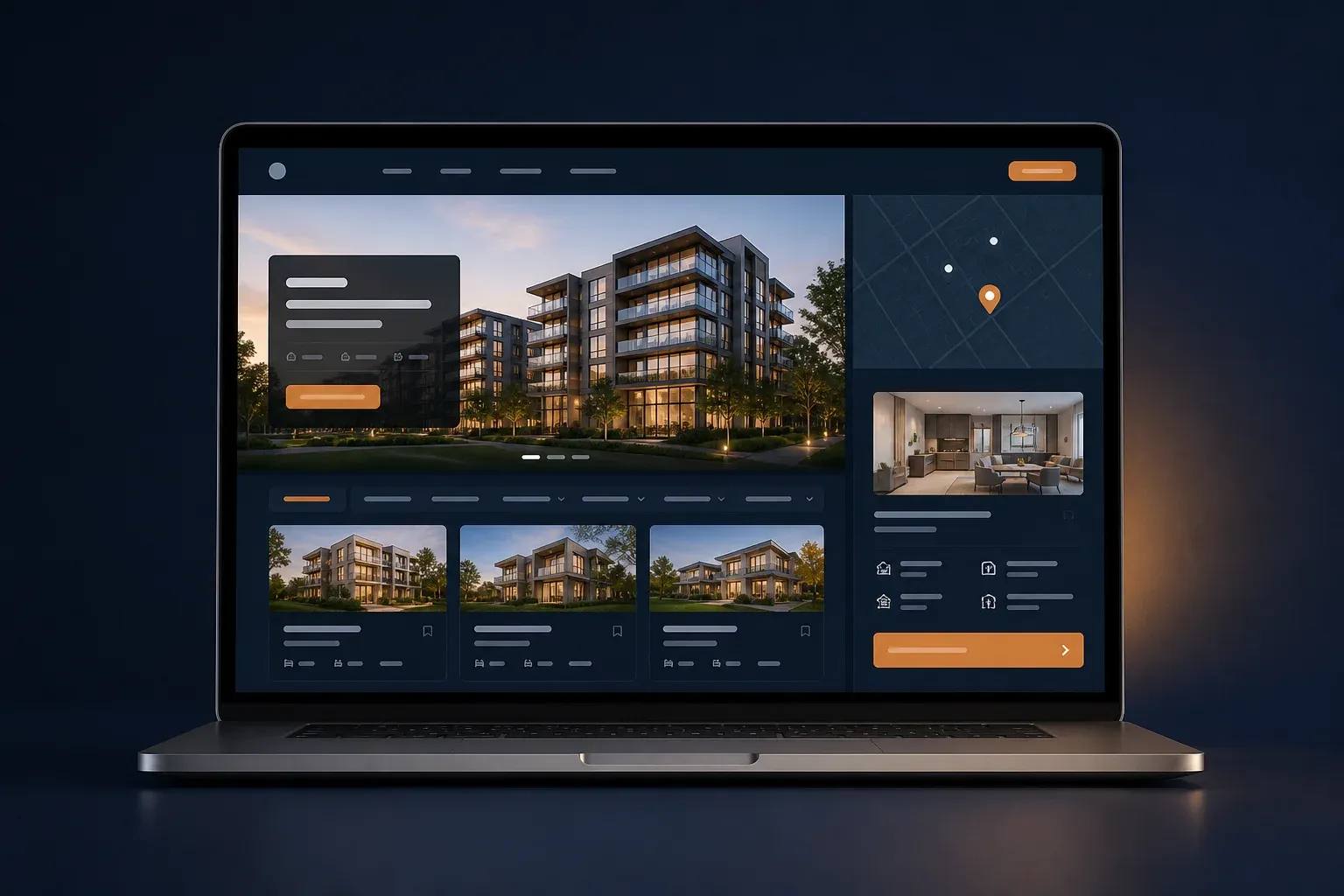
Property website mockup with listings, map location, and unit details

Property Websites

Help buyers compare units, locations, and amenities in one flow.

Manage listings, unit details, locations, amenities, galleries, and buyer inquiries in a structure that is easy to update.

View Property Websites

Frequently Asked Questions About Contractor Websites

Answers to the questions that usually need to be settled before a contractor website is built.

Which pages matter for a contractor website?

A common structure starts with Home, About, Services, Project Portfolio, service areas, certifications or capabilities, articles when useful, and Contact. The final structure follows the type of projects you take on and how prospective clients make decisions.

Can our team manage the project portfolio ourselves?

Yes. We can prepare a CMS, custom fields, or blocks that fit your needs so your team can add projects, services, galleries, locations, and work summaries without changing code every time there is an update.

Can the website show certifications and company documents?

Yes. Certifications, capacity, experience, service areas, and documents that are approved for publication can be placed where visitors can find them easily. This means prospective clients do not have to keep asking for basic information.

Does contractor website development include SEO?

On-page SEO foundations are prepared from the start. We use Semrush for keyword research and competitor SERP analysis, then shape the structure, metadata, and copy around search intent. This is not a ranking guarantee. Ask us about deeper on-page SEO support after launch.

Does a contractor website have to use a template?

No. When WordPress is a sensible fit, we can build a custom theme and blocks plugin around your business structure. A template is only used when it genuinely helps the scope, not as a limitation for every project.

How do you scope a contractor website project?

We review the number of pages, portfolio depth, CMS needs, and required integrations before confirming the project scope. Start with a consultation to discuss the project.

Still comparing a contractor website with a general business website? Start from your project needs, then we can help map a sensible scope.

Build a Contractor Website People Can Trust

Tell us about your services, project types, and team workflow. We will help map the most relevant website structure before design and development begin.